October 2, 2026
Where to actually put your wedding QR code so people scan it
A code on the table card isn't enough on its own. Where it's placed changes how many guests use it.
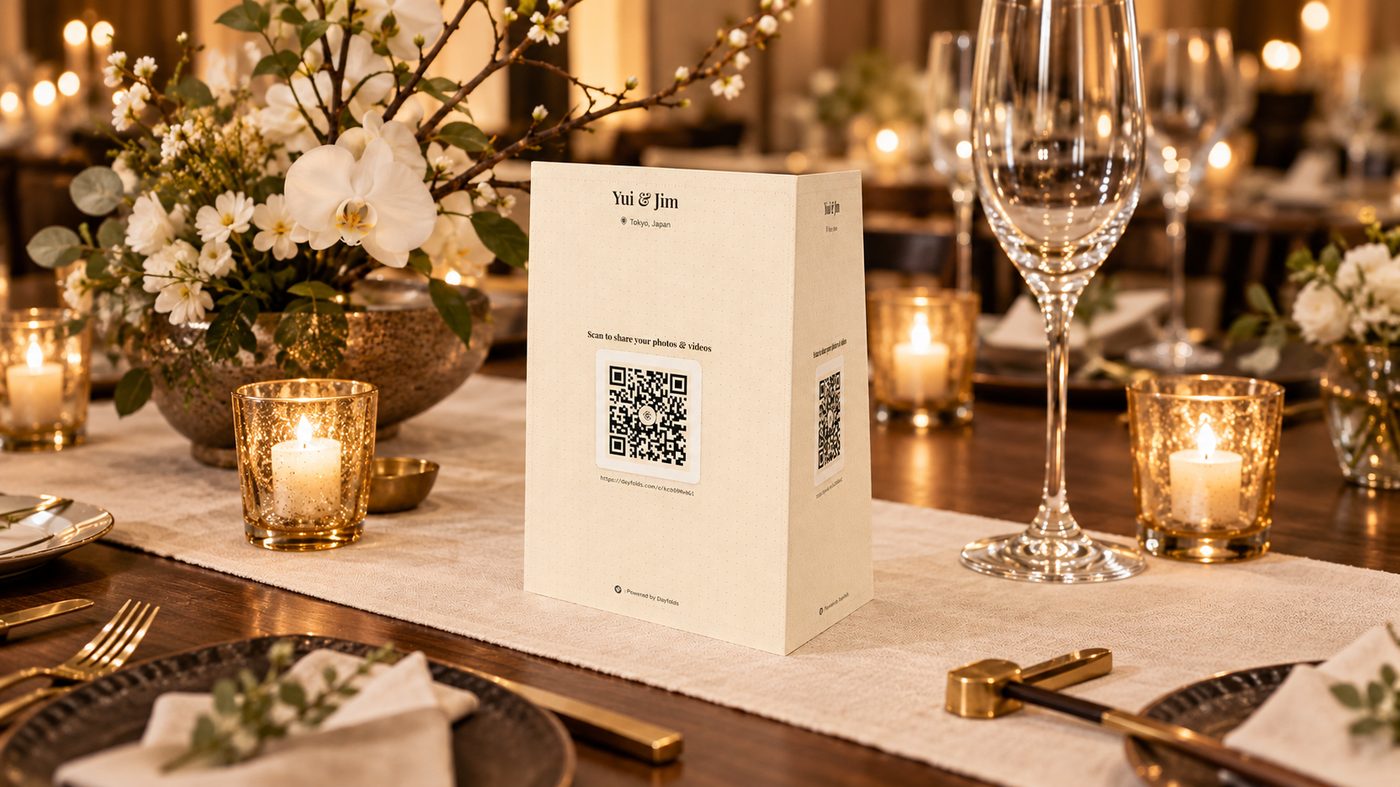
We’ve looked at a lot of printed table cards by now, and the ones that actually get scanned have a few things in common that have nothing to do with the design software used to make them.
Put it somewhere guests look during dead time
The best spots are wherever people are sitting still with nothing to do: table centerpieces, the back of the seat in front of them during the ceremony, the bar while they wait for a drink. A QR code on a sign by the entrance gets seen once, on the way in, when everyone’s distracted saying hello to people. A code on the table gets looked at throughout dinner.
Make the code itself bigger than feels necessary
A 2x2 inch QR code printed on glossy cardstock under venue lighting is genuinely hard for a phone camera to lock onto, especially for anyone over 40 without their readers on them. Err toward a code at least 3x3 inches when it’s a standalone card, bigger if it’s sharing space with other text. If you’re not sure it’ll scan, test it yourself from a few feet away in dim lighting before you print two hundred of them.
Say what happens before they scan
“Scan to see the gallery” tells a guest nothing about why they’d bother. A short line above the code works better: “Scan to add your photos, no app needed” sets the expectation that this takes ten seconds and doesn’t involve a download. People skip QR codes mostly because they assume it leads somewhere complicated. Tell them it doesn’t.
Repeat it more than once
One table card is not enough signage for a wedding. Put the same code on the welcome sign, the bar menu if you have one, and a printed card in the bathroom if you’re not precious about it (people check their phones in there anyway). Repetition is what gets your quieter guests, the ones who didn’t notice it the first time or scanned it once and forgot.
Have a backup for the one table that can’t get it to work
There’s always one. Bad lighting, an older phone, someone who just can’t get the camera to focus. Print the plain link in small text under the code itself, so if scanning fails, they can type it in manually instead of giving up.
None of this needs design software or a signage budget. It’s mostly about putting the code where people are already looking, making it legible, and telling them in one line why it’s worth ten seconds of their night.
Set up your gallery in under two minutes
Start your gallery