October 4, 2026
What to actually check before you pick a wedding photo app
The four things that quietly decide whether a QR photo-sharing app is worth it, and how Dayfolds handles each one.
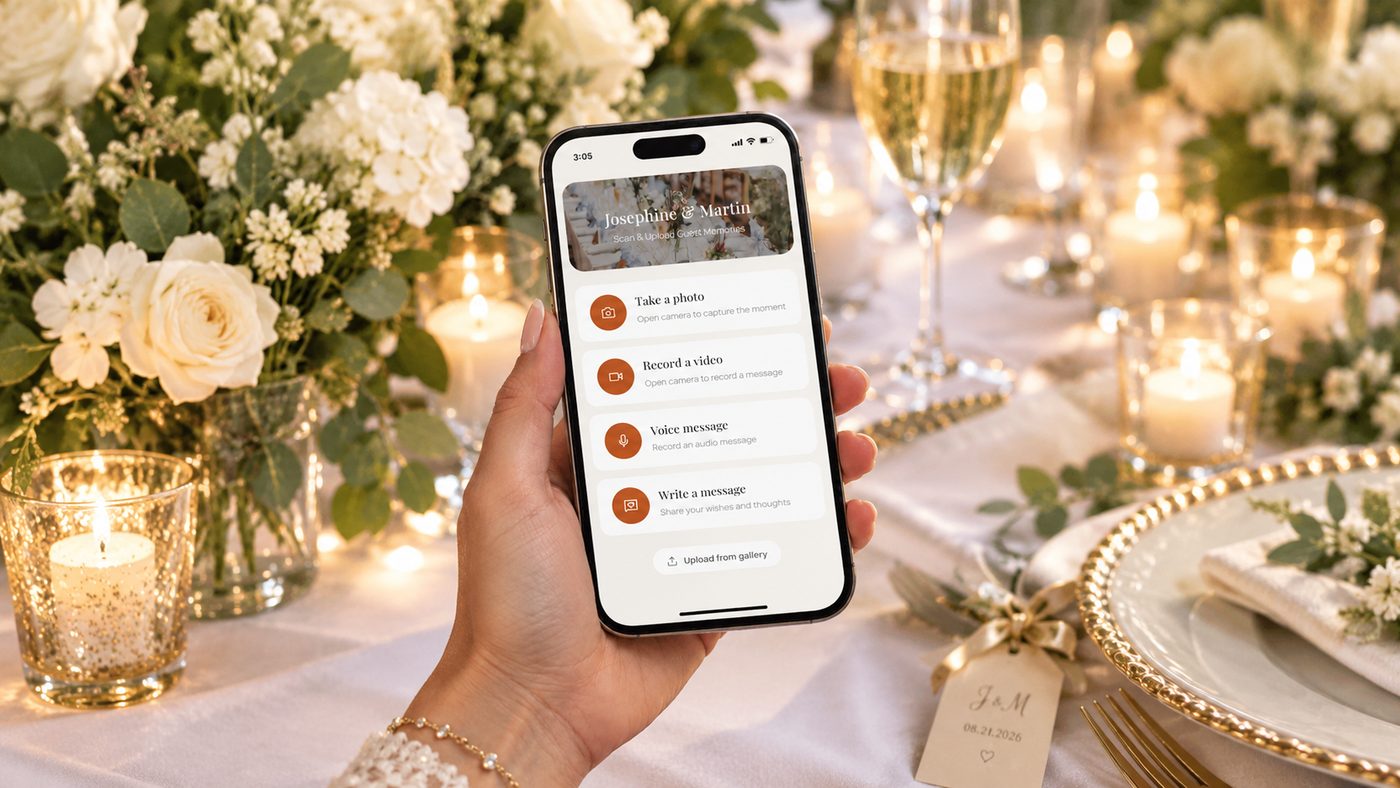
Every wedding QR photo app does the same basic trick. Guests scan a code, land on a page in their phone browser, upload whatever they took that night, and it shows up in a gallery you can look through later. That part is solved. Nobody needs to reinvent it.
What actually varies, once you dig past the marketing pages, is four things. Here’s how we think about each one, and how Dayfolds handles it.
| Dayfolds | What to watch for elsewhere | |
|---|---|---|
| Pricing | One flat fee per event, paid once | Features like video uploads or full-res downloads often locked behind a higher tier |
| Photo quality | Originals kept untouched, always | The in-app preview is sometimes the only copy you can actually download |
| Guest experience | Scan, upload, done | Some apps ask guests to create an account or install something first |
| Gallery privacy | Private link only, no public feed | A few bolt a “like and comment” social layer onto the gallery by default |
Pricing. A lot of these apps start cheap and then gate the features you actually want (video, full resolution, the live slideshow) behind a bigger plan once you’re already set up and committed. We’d rather charge one number up front and be done with it. You pay once, everything’s included, no second invoice shows up two weeks before the wedding.
Photo quality. This one’s easy to miss during a free trial because you’re looking at the gallery on your phone, where everything looks fine at any resolution. The question to ask is what you get when you hit “download everything” afterward. We never recompress what a guest uploads. The gallery preview is optimized so it loads fast on bad venue wifi, but the original file sitting behind it is untouched, and that’s what you get in the final zip.
Guest experience. If a guest has to make an account, type in an email, or download anything before they can upload a photo, you’ll lose a chunk of them, especially anyone over 50 who just wants to help and doesn’t want a new app on their phone. A link should go straight to a camera button.
Gallery privacy. Your wedding gallery isn’t a social feed. We keep it private by default: visible only to people with the link, no indexing, no public comments section bolted on. If you want guests to see what’s already been uploaded while the event is still going, that’s a toggle you control, not something turned on for you.
None of this is complicated. It’s just easy to overlook when you’re comparing screenshots of five different apps at 11pm three weeks before the wedding. Check the pricing page for what’s actually included, ask what “download all” gives you, and try the upload flow yourself on your own phone before you print two hundred table cards with the QR code on them.
Set up your gallery in under two minutes
Start your gallery